Use the devices
you already have.
Start from your Mac. Place a phone or tablet near your dog. Test whether a bigger, clearer version of you gets a better response.
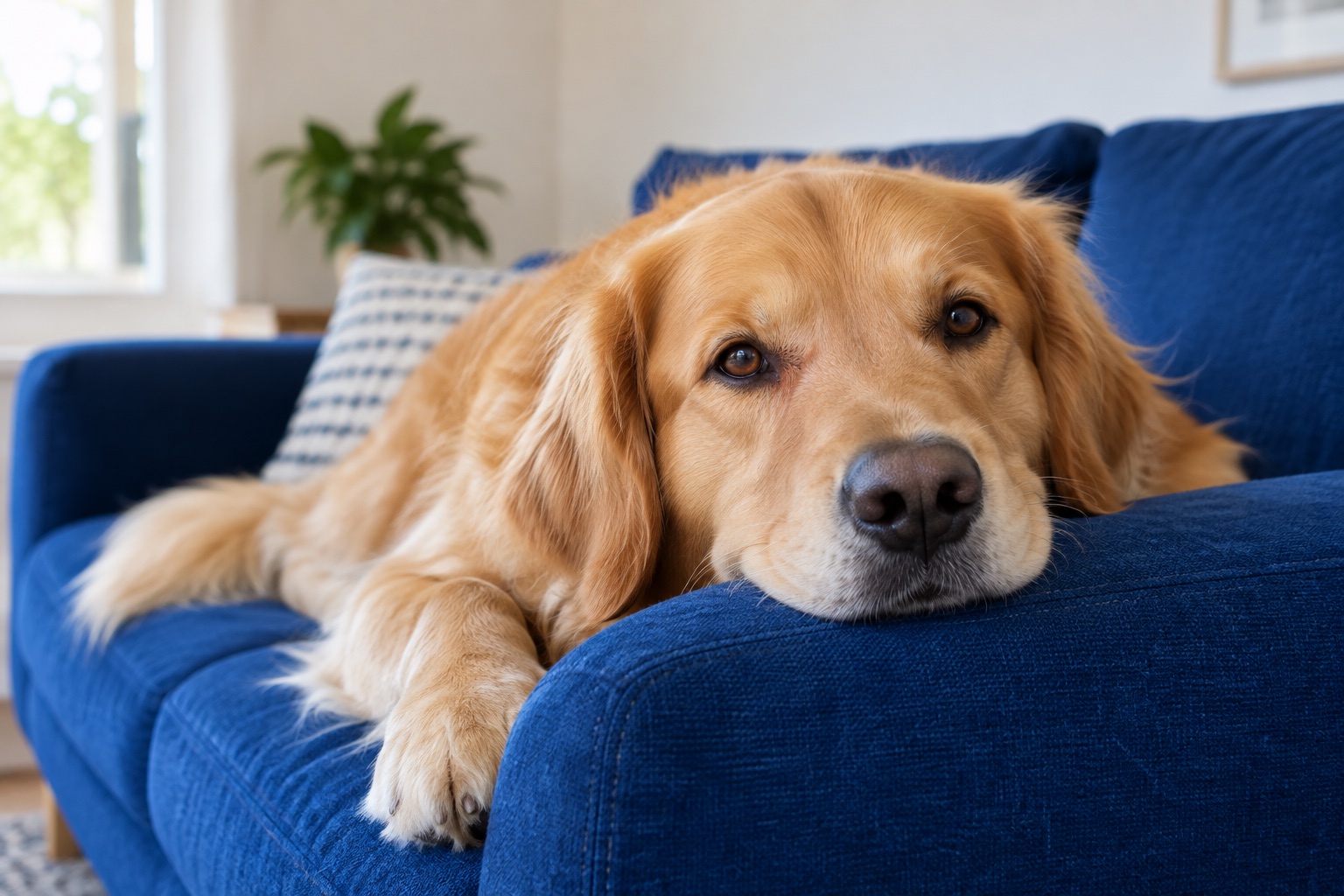 Their favorite spot.
Your familiar voice.
Normal starts with your original picture and familiar voice.
Your familiar face.
Their favorite place.
You see your dog. Your dog’s device shows you, with optional display adjustments controlled from your side.
A working private prototype. Daily calling is connected. Mac/iPhone audio, video, and a full ten-minute call still need physical-device verification.
A few small steps to a little hello.
- 01
Open Puppy Dog Eyes on your Mac
A well-lit face and a quiet room are a good start.
- 02
Open a private link on the second device
Send the invitation to the phone or tablet beside your dog. Both devices need access to the private prototype.
- 03
Make a comfortable dog-side spot
Use a stable surface, keep cords out of reach, and have someone stay nearby.
- 04
Try a short hello in each view
The guided beta assigns a random order for Normal Video, Big Face Mode, and See-Me Mode.
- 05
Tell us what you noticed
A look, an approach, or no response. Simple observations are more useful than guessing.
Ready for a little hello?
Use two devices, keep both screens open, and approve the joining device before either camera is shared.
The guided Dog Screen Test applies each mode automatically: original picture, 1.5× framing, and the same framing with blue/yellow treatment. Its randomized order stays fixed for your dog.
Dog-side display modes.
The original picture is our comparison baseline. Each adjustment is a testable idea, not a promise that your dog will recognize you.
Normal Video
Your original video and voice. A useful baseline for every test.
Big Face Mode
Bring your head and shoulders closer. Use the picture-framing control and a comfortable viewing distance.
See-Me Mode
An optional blue/yellow treatment on the incoming caller video. You can adjust its intensity or switch it off.
Make room for your dog to be a dog.
Someone should stay beside your dog. This beta is not an unattended monitor or a treatment for separation anxiety.
Help shape the next hello.
Three short tests. A few simple questions. A better understanding of what works for your dog.
Apply for the Beta